
Laptop service & repair in Tirupattur
From a cracked screen to a laptop that will not switch on — repairs, upgrades and software for HP, Dell, Lenovo, Acer, ASUS, Samsung and most other brands. Bring it to the store, we check it and tell you the cost before any work.
லேப்டாப் சர்வீஸ் — எல்லா பிராண்டுகளும். ஆன் ஆகவில்லையா? நாங்கள் பார்த்துக்கொள்கிறோம்Laptop problems we fix
Screen & display
Broken or flickering screens, no display, display cable and panel replacement.
Keyboard & touchpad
Keys not working, liquid spills, touchpad problems — keyboard replacement.
Battery & charging
Battery not holding charge, charging port (DC jack) and adapter problems.
Hinges & body
Broken hinges, panels and screws — repaired or replaced.
Slow laptop
SSD upgrade, RAM upgrade, Windows reinstall and clean-up.
Not switching on
Power and motherboard faults — diagnosed and repaired at chip level.
Overheating & fan noise
Dust cleaning, fan replacement and fresh thermal paste for hot, noisy or auto-shutting laptops.
Liquid damage
Water, tea or coffee spill? Switch it off, do not charge it, bring it in for cleaning and a board check.
Windows, software & virus
Windows install, drivers, MS Office, antivirus, virus removal and data backup.
Laptop services at a glance
| Service | What we do | Good to know |
|---|---|---|
| Screen replacement | Cracked, blank or flickering display — panel and display cable replaced for your exact model. | Send us the model number (on the sticker underneath) and we check the panel for you. |
| Keyboard & touchpad | Full keyboard replacement for dead keys or spills; touchpad and click faults. | After a spill, switch the laptop off at once and do not charge it. |
| Battery & charging | New battery, DC jack / charging port repair, adapter check and replacement. | Bring your adapter along so we can test both. |
| Hinges & body | Broken hinges, cracked panels and loose screens re-fixed or replaced. | Early repair stops the display cable from getting damaged too. |
| SSD & RAM upgrade | SSD fitted with Windows and your files moved across; RAM added where the model supports it. | Makes most 3–8-year-old laptops feel new — read the guide. |
| Windows & software | Windows install or repair, drivers, MS Office setup, antivirus and clean-up. | We can back up your files before a reinstall — ask when you book. |
| Overheating & fan | Internal cleaning, fan replacement and fresh thermal paste. | Loud fan, hot keyboard or random shutdowns are the usual signs. |
| Chip-level repair | Motherboard power, charging and display sections repaired at component level. | Often far cheaper than a new board — see chip-level repair. |
| Data recovery | Files recovered from a dead or failing laptop hard disk or SSD. | See data recovery. |
Every job starts with a check. We tell you the fault and the cost, and work begins only after you approve. GST invoice for parts and service.
A slow laptop often needs an SSD, not a new laptop
Most laptops that feel slow still have an old hard disk. Moving to an SSD usually makes start-up and opening apps several times faster, and adding RAM helps with many browser tabs and office files. Bring the laptop in and we tell you what it supports.
Read the guide: Laptop SSD & RAM upgrade guide.
Book laptop service
Tell us the brand, model and problem — or WhatsApp a photo. We call you back to confirm, and you can ask for the cost before approving any repair.
- Carry-in at our store opposite the Taluk Office, Tirupattur
- Mon–Sat 9:00 AM – 8:30 PM (Sunday: call first)
- Cost confirmed with you before any repair
- GST invoice for parts and service
Book a service
Tell us what needs fixing. We call back to confirm the time — usually within working hours the same day.
Thanks — we'll call you shortly
Your request reached our team. Want a faster reply? Send the same details on WhatsApp.
Laptop spares & upgrades
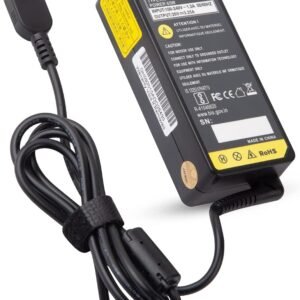
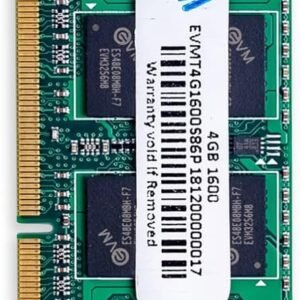
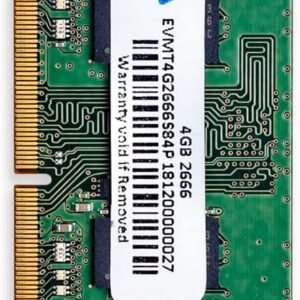
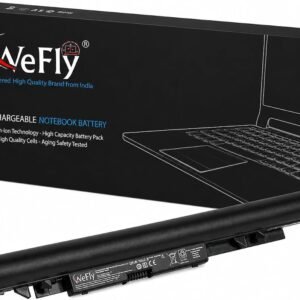
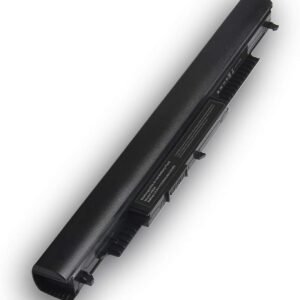
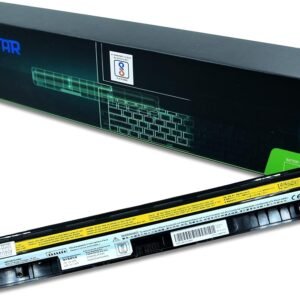
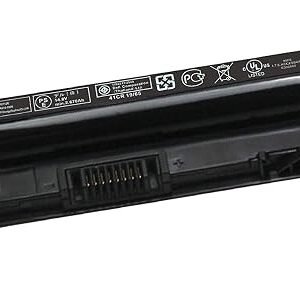
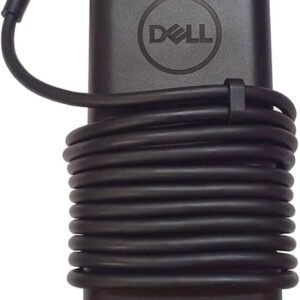
Adapters, batteries, keyboards, SSDs and RAM.
Questions people ask
Which laptop brands do you service?
Do I need an appointment for laptop service?
How much does laptop service cost?
Can my old laptop be made faster?
Do you replace laptop screens and keyboards?
Will my data be safe during the repair?
Do you service laptops for offices and schools?
Do you sell laptops?
Other services
Canon printer service centre
Authorised Canon service: head, ASF, scanner unit, ink system — genuine parts.
OpenBrother printer service
Authorised Brother service for ink tank and laser printers.
OpenPrinter repair — all brands
Canon, HP, Epson, Brother, Samsung, TVS: not printing, paper jam, ink pad full.
OpenDesktop / PC repair
Slow PC, no display, SMPS, upgrades, Windows and software setup.
OpenChip-level & motherboard
Board-level repair for laptops and desktops that won’t power on.
OpenData recovery
Hard disk, SSD, pen drive and memory card recovery.
OpenVisit our store in Tirupattur
Walk in, call or WhatsApp
Bring your printer, laptop or PC to the store for a check, or ask us to visit for CCTV, networking and office setups across Tirupattur district.